Parent’s Guide to School Photos Through Pic-Time
Welcome! Thank you so much for the opportunity to capture your children! My hope is that your school pictures will showcase your child’s genuine personality and will serve as a keepsake for years to come. I have chosen to showcase your school photos through Pic-Time Galleries. While Pic-Time is definitely not perfect, I love how it beautifully displays photos and offers quality prints.
Here is a quick tutorial of how to order photos through the Pic-Time gallery, where you will find your child’s photos.
If you get stuck or need help, please reach out to me directly by emailing blackgapphotography@gmail.com or simply hit the contact button at the bottom of this page..
First of all, I would suggest viewing your gallery on a desktop computer. While the site can be viewed on a mobile device, ordering is very tricky on a phone.
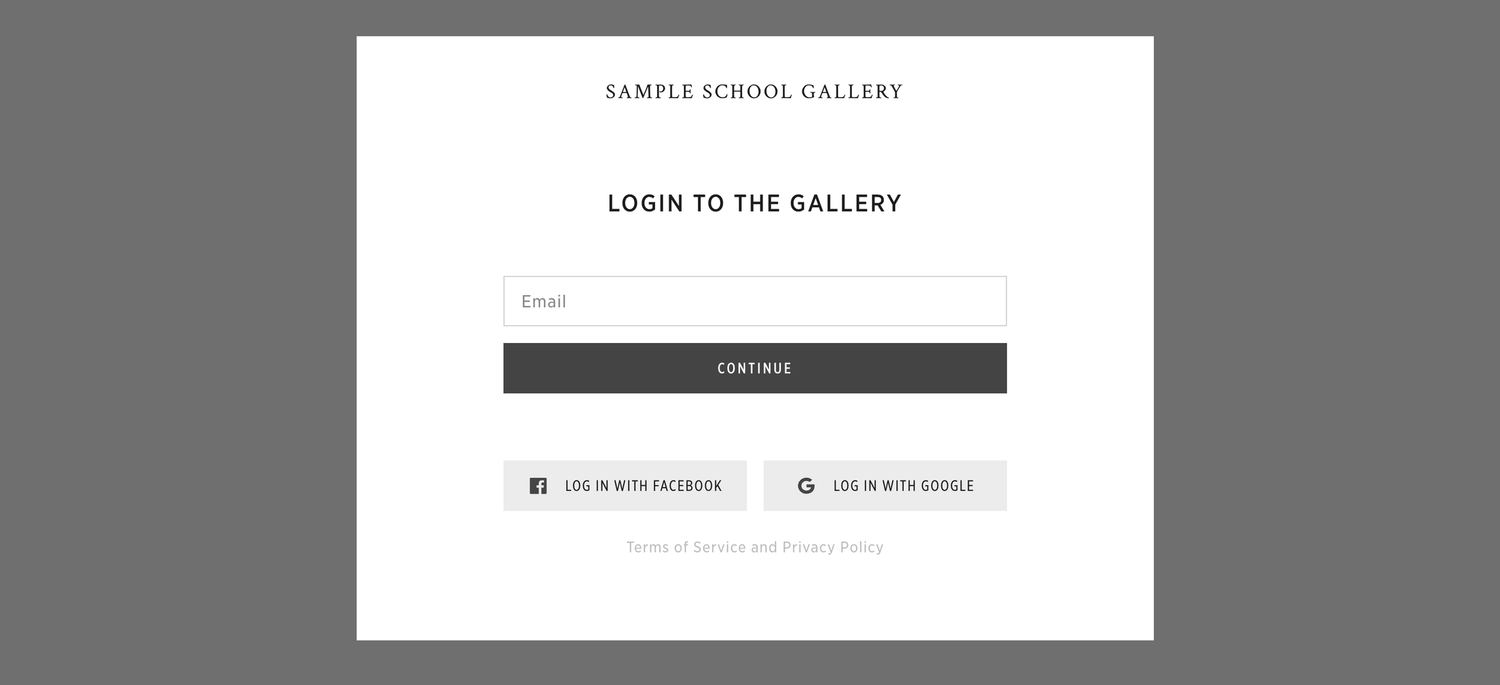
When you first click the link for your gallery, you’ll be asked for an email. Please enter the email you used to sign up for school pictures.
If the system prompts you for a password, and it’s your first time entering the gallery, click “I don’t have a password” to create one or “Forgot password” to reset your password if you have previously created one.
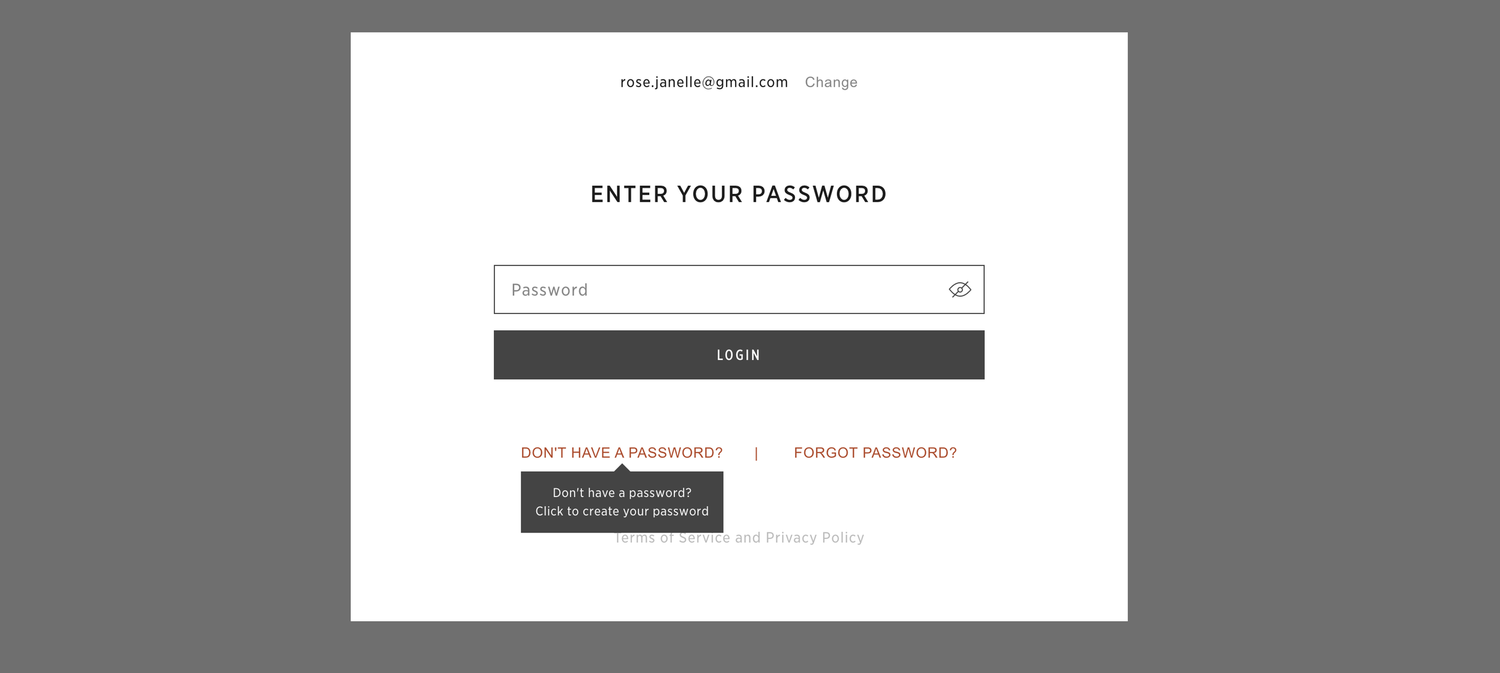
Please note: I don’t ever see your passwords, so you will need to go through the password recovery system in the gallery. It’s a really simple process of resetting your password, as long as you’re entering the correct email you’ve used in the past. Here’s a tutorial on How to Update a Forgotten Password.
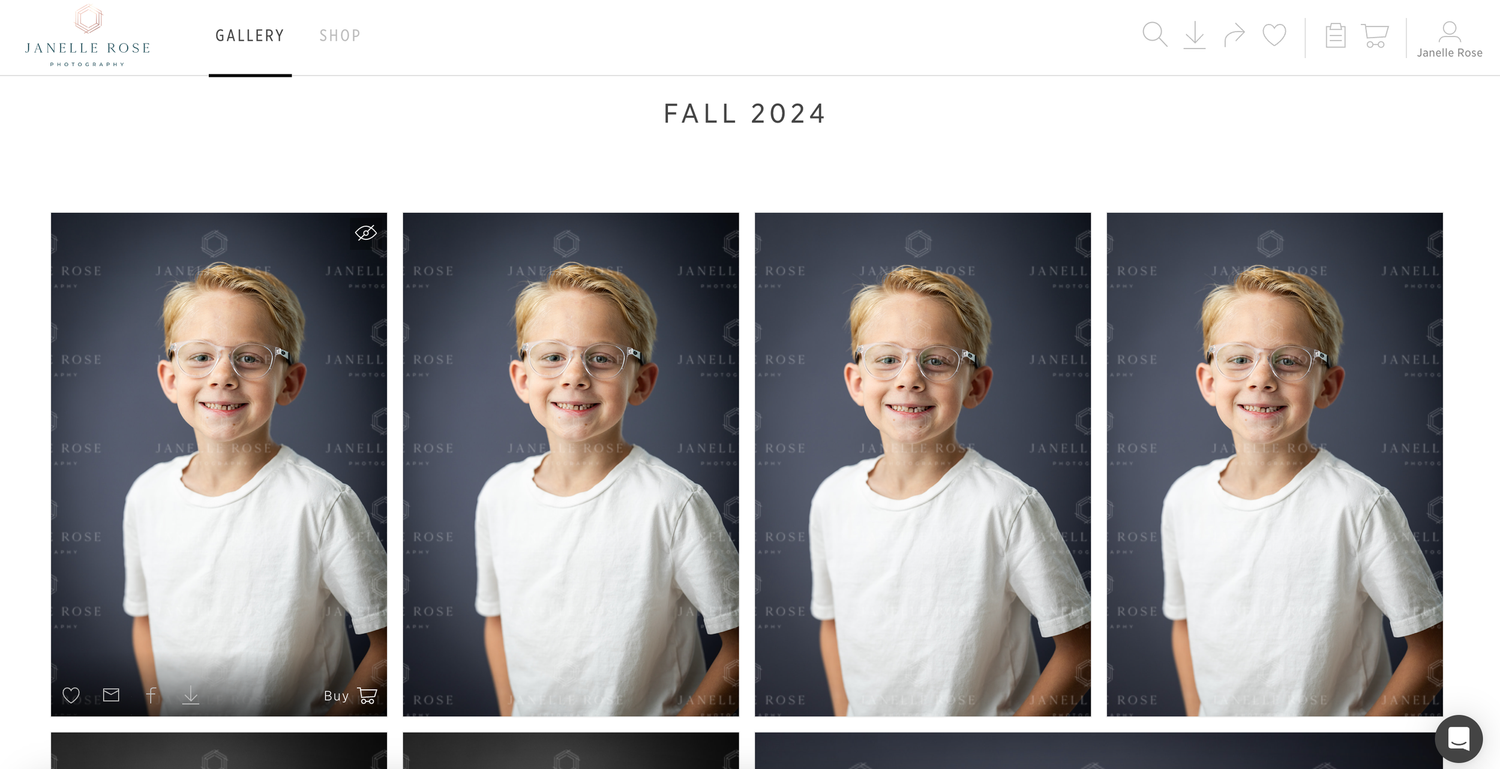
Once you’re inside your gallery, you’ll see all of your available photos. Although they are all watermarked, the watermark will obviously be removed on any images you purchase for download.
Packages
I have created a few packages specifically for your school. The easiest way to find those is to click Shop at the top of your gallery.
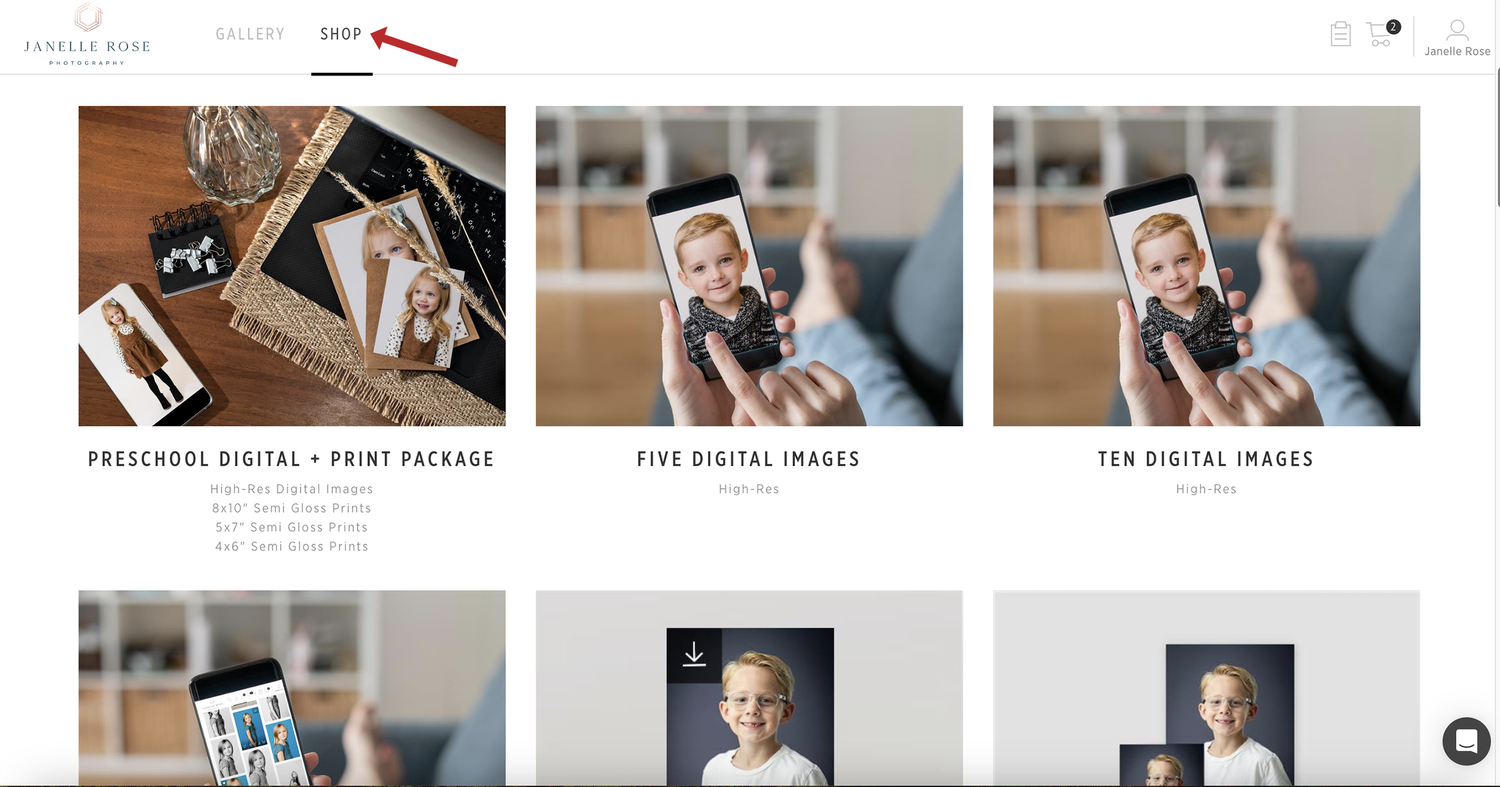
From here, you can pick a package that is either a digital package or a print package.
If you’ve chosen a digital bundle, you’ll need to select the images you wish to download. And the same goes for any prints in the package….you’ll need to pick which photos you want for prints. To do that, click the Customize button inside that package.
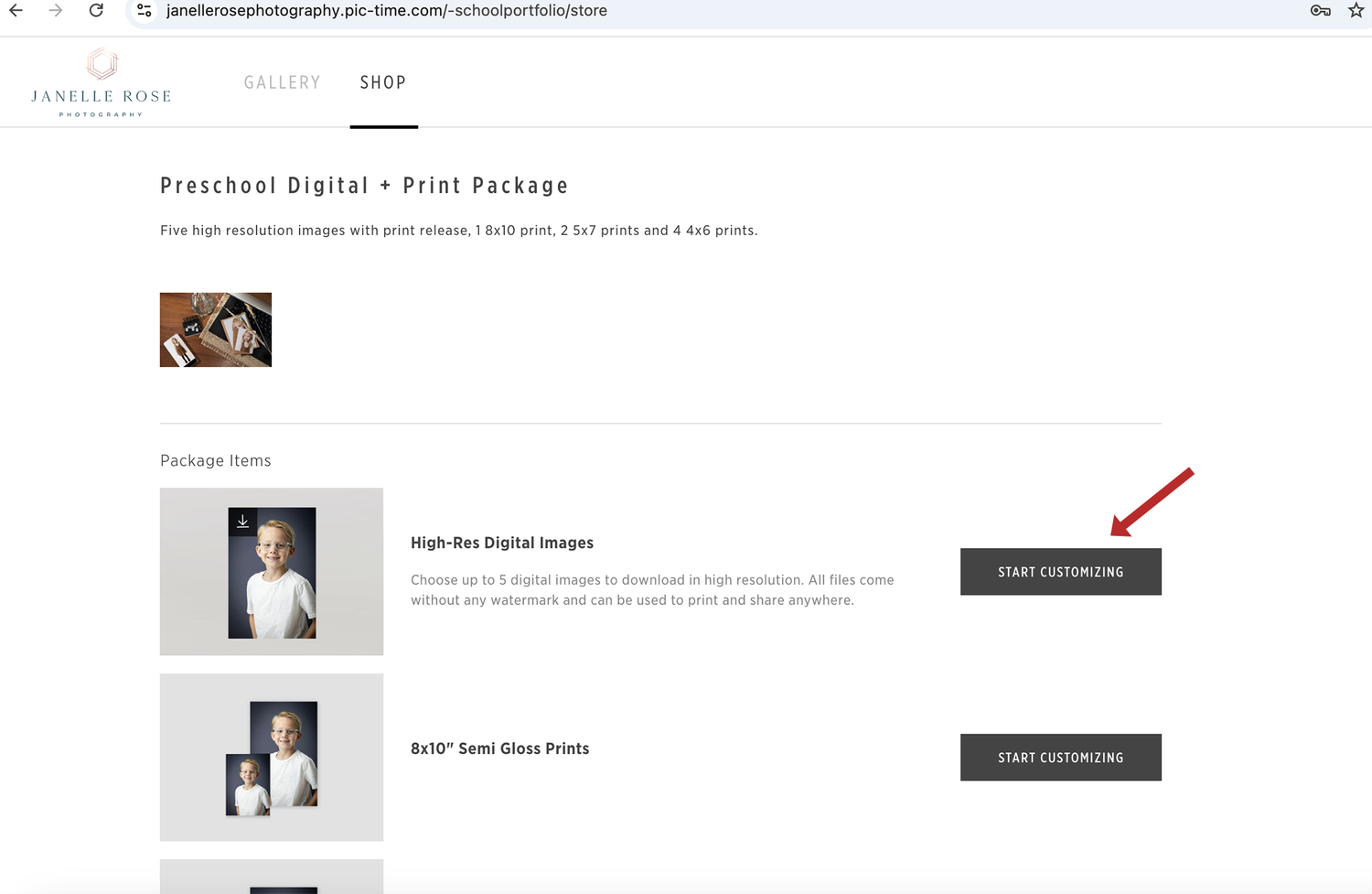
From there, you’ll be taken to a window where you can select photos for each project. Click on photos from the filmstrip at the bottom of your screen to choose them. This screen will let you know how many photos you need for each part of the package (in red), and it will let you know how many you still have left to choose.
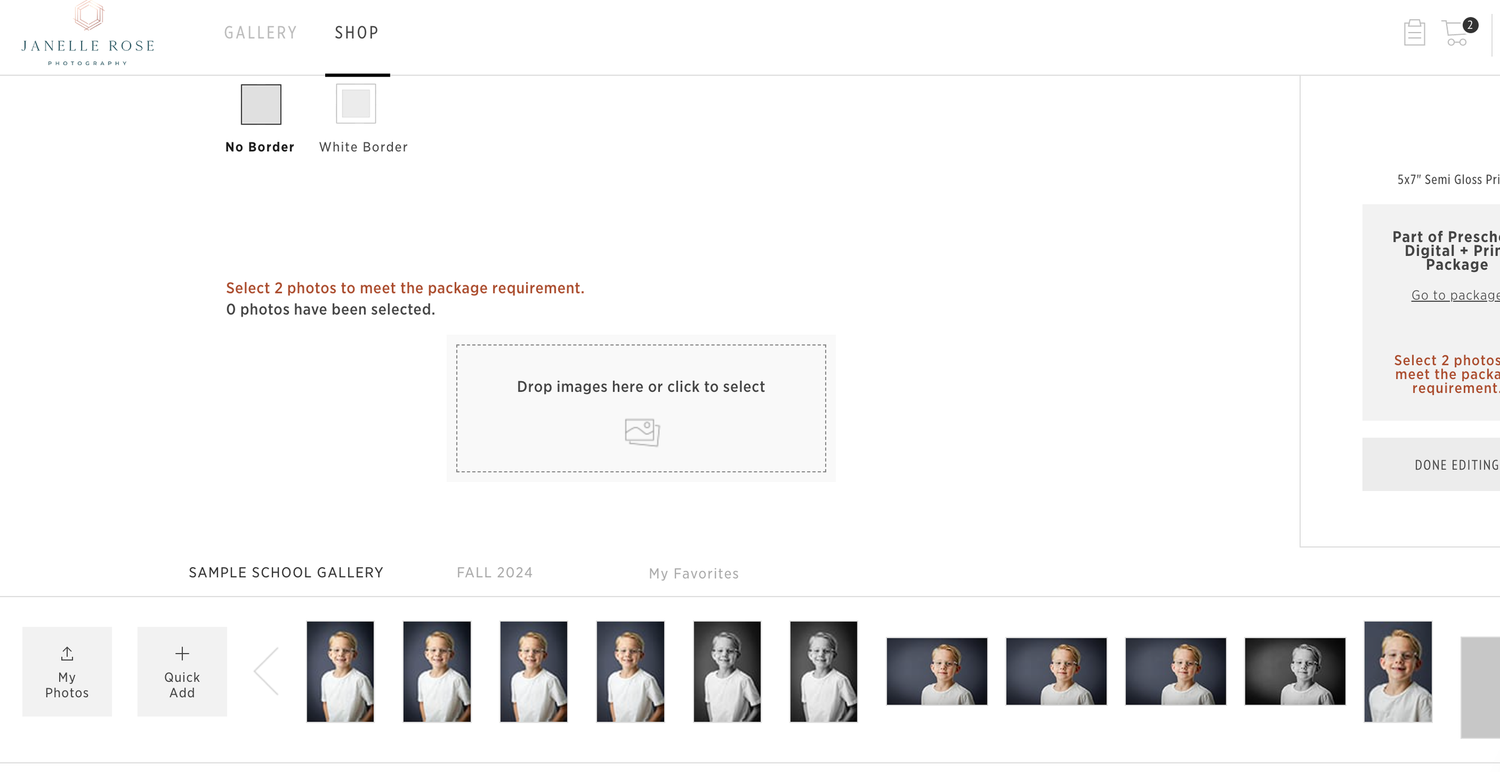
You can mix and match poses and pictures within each package. For instance, one of my packages has (1) 8x10", (2) 5x7" and (2) 8 Wallets. You could potentially choose different images for each part of that package, including the two 5×7’s. This will allow sibling photos to be purchased within a package.
If you would like to purchase extra digitals/prints simply select extra photos when choosing your package photos.The price will reflect on the right side of your screen.
Don’t forget to check cropping in this area! To adjust cropping, hover over the image and click Crop.
Once you’ve selected your photos for each product in your package, click done. The gallery will always show the following message about cropping if you’ve chosen a package that has prints, even if you’ve already worked on cropping.
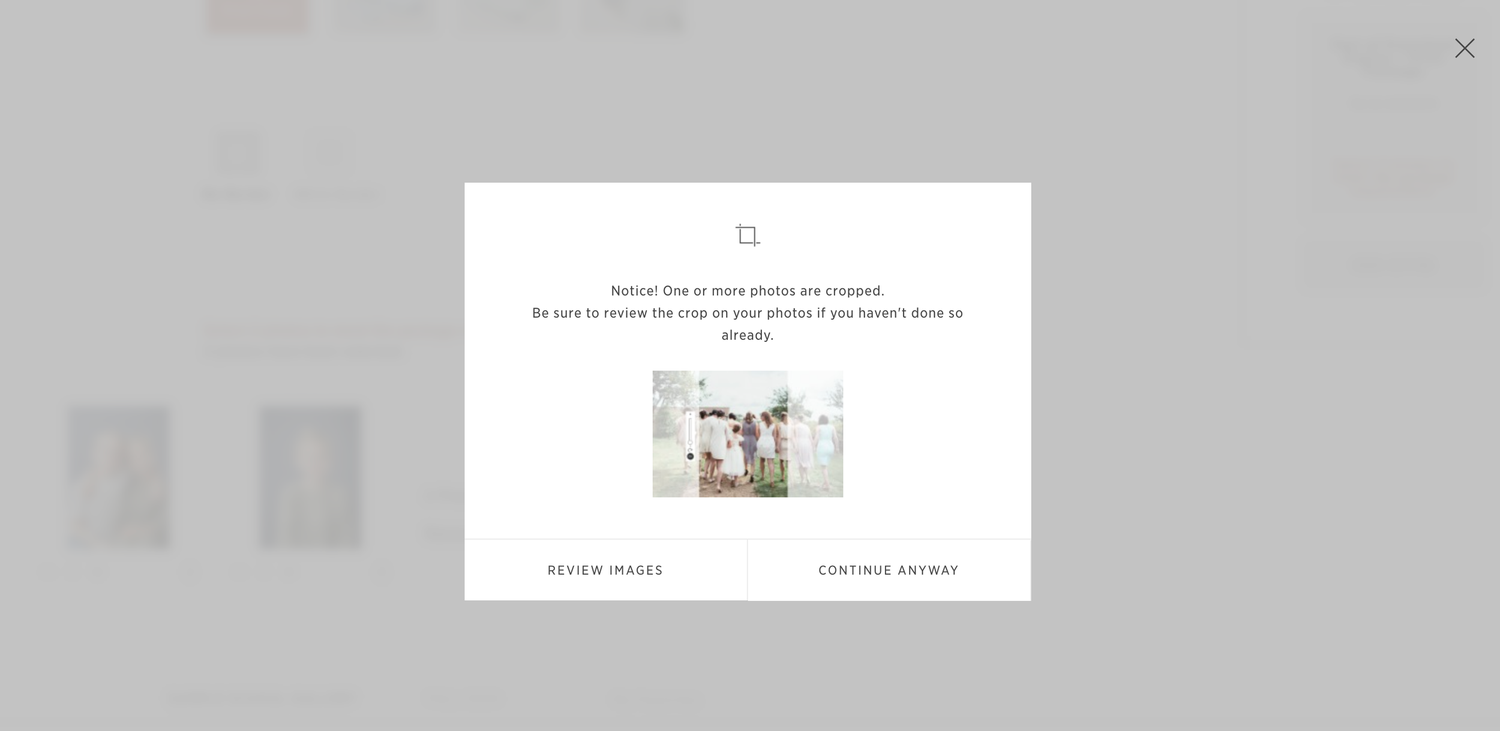
If you still need to review cropping, hit Review Images. If you’ve already cropped your images, then click Continue Anyway. I’m not sure why it doesn’t detect when you’ve already done your cropping, but it doesn’t. This is something I wish was different about Pic-Time.
Checking Out & Shipping
When you’re ready to check out, fill out your shipping/billing info.
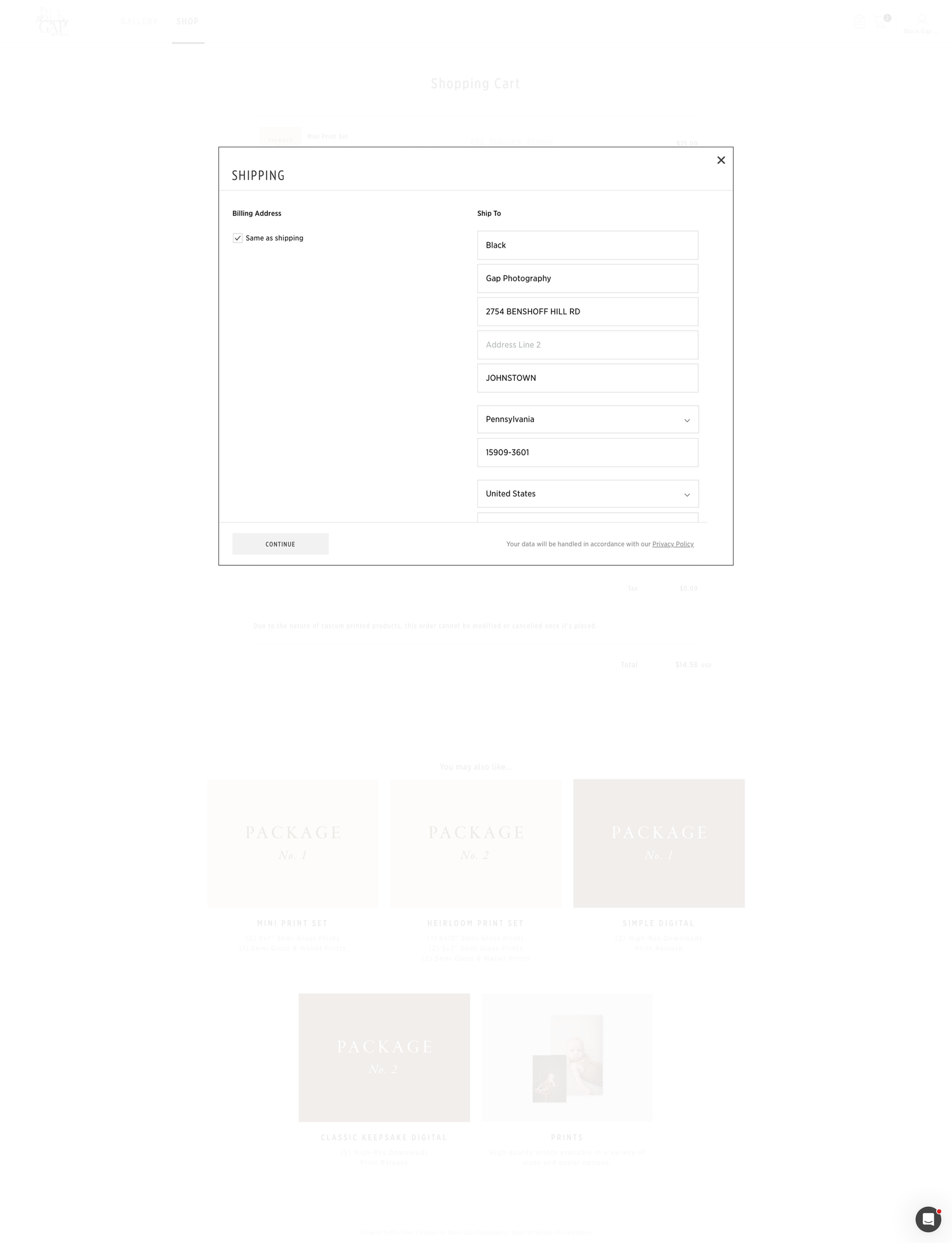
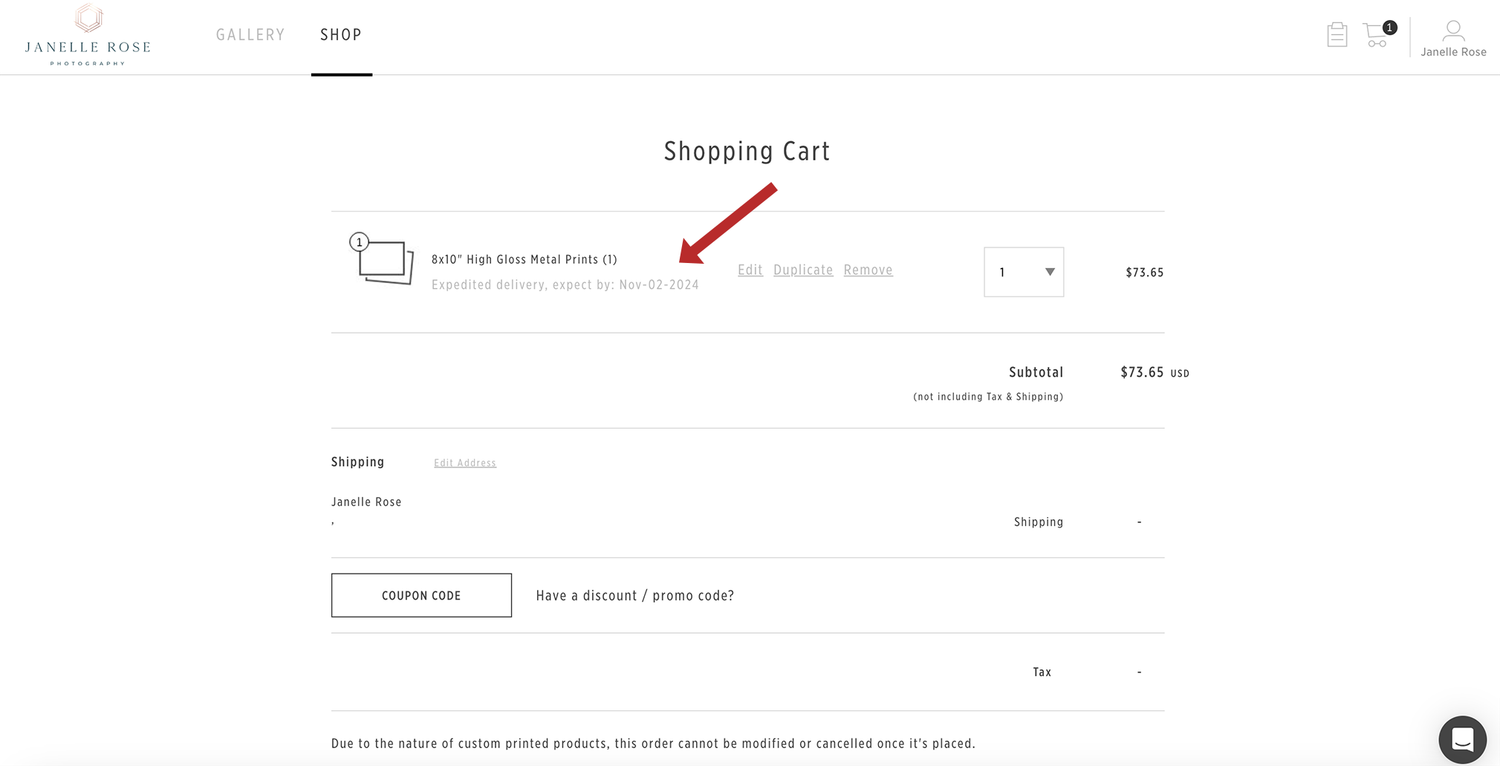
Most products will be delivered two weeks after the ordering window for your school closes. You can check the expected delivery date in your cart.
If you’ve purchased digital files, they will be emailed directly to your email.
Reach Out If You Need Help
Pic-Time is not perfect for school photos, but I do love how it beautifully displays your photos. If you need help, please don’t hesitate to reach out here.
Looking to book your school, preschool or daycare for school pictures? For more information, click here.